
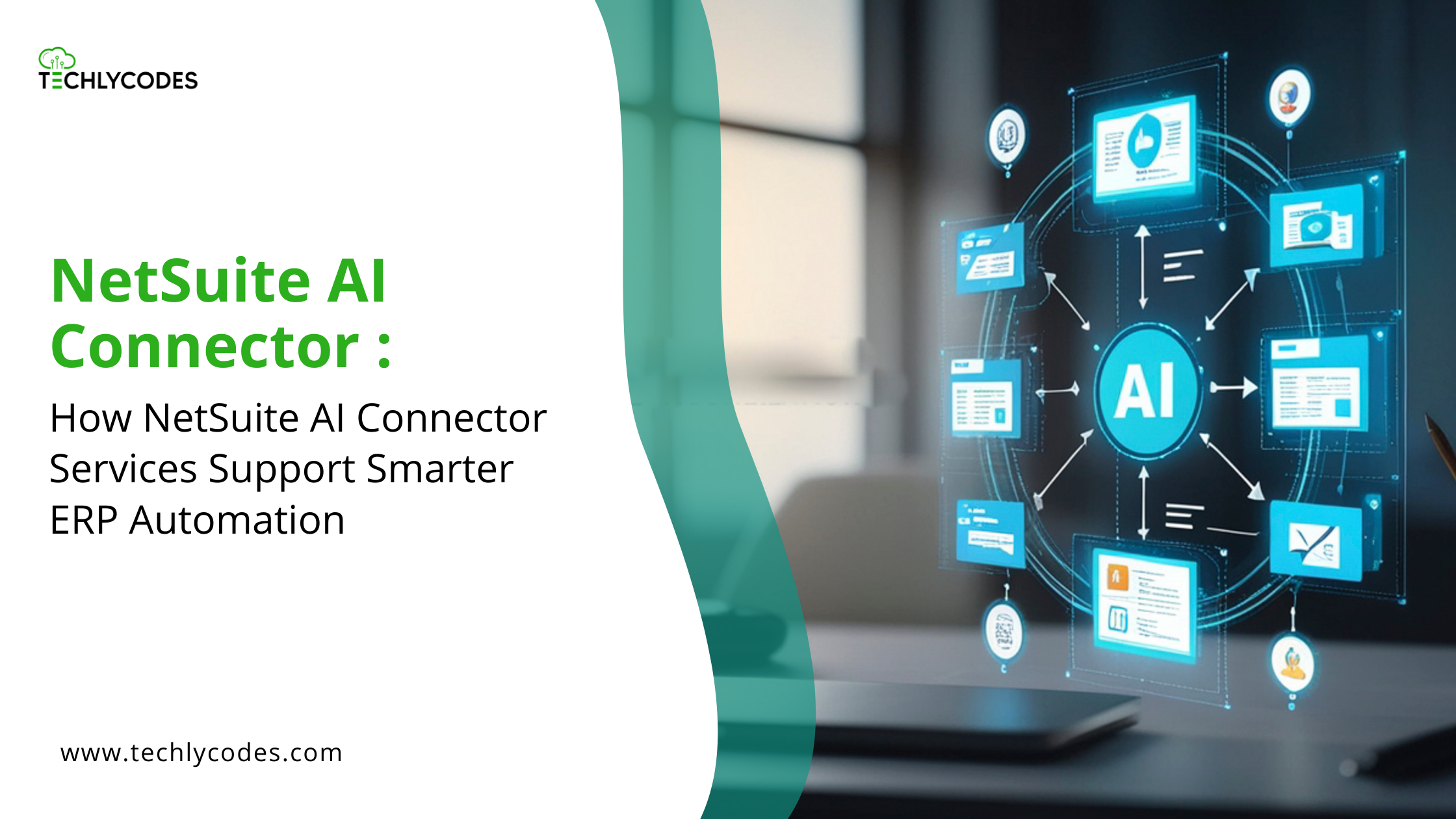
When you are considering a NetSuite AI connector service, then you are unlikely to be pursuing hype. You are attempting to address a real issue: excessive manual labor, too many exceptions, and increasing pressure to use AI but not to ruin your ERP, compliance, or sanity.
A NetSuite AI connector service is an artificial interface that enables NetSuite to be connected to external AI applications. It enables AI to support particular processes, doing things like extracting data, identifying anomalies, creating insights, but not leave AI to decide freely on ERP. It is not this to overthrow NetSuite logic but to minimize manual work, accelerate decision-making, and preserve governance. Misunderstanding of the same by teams leads to failed projects. Automation is eventually welcome and not threatening when they respect it.
How NetSuite AI Connector Services Actually Work
The majority of the content on this becomes abstract. Let’s stay practical.
Choose the Right Workflows First
AI is effective within high-volume, repetitive, pattern-based, and less judgmental tasks. Good candidates are invoice data extraction, exception flagging, sales trend analysis, and report summary. Final approvals, GL posting decisions, and compliance interpretation are considered bad candidates.
AI will enhance chaos if you attempt to automate judgment prior to the stabilizing process. Begin by finding the points of manual work that are causing bottlenecks and not those where decisions are required.
Use a Secure Integration Layer
In practice, AI is not embedded in NetSuite. The connector service operates on SuiteTalk APIs, middleware platforms, or managed SuiteScript triggers. Information is sent to AI to be processed, and only upon validation.
Such an architecture is important since NetSuite continues to be the system of record, permissions can continue to be enforced, and audit trailscan be maintained. You are not letting AI directly access your ERP, but you are dictating the things it sees and what it can manipulate.
Let AI Process Data Outside NetSuite
This is where AI adds value. It pulls line-level information out of the invoices, finds abnormalities in transaction patterns, and breaks down large reports into plain language. The AI does not make any decision; it helps.
Keep Humans in the Loop
Any successful implementation contains checkpoints of the reviews, steps of approval, and exception handling. AI retrieves invoice information, and then a user goes through it, and the NetSuite transaction is generated. AI raises a red flag on unusual expenses, which is followed by finance’s investigation before making any decision. It is not a constraint, and that is what makes AI applicable in ERP settings.
Sync Results Back with Guardrails
Only tested, verified data is brought back to NetSuite. Read-only AI output, where feasible, role-based access, and recorded changes and approvals are among the good practices. When your design is such that AI can post financial data unvetted, you are not automating, you are gambling.
Where AI Should Not Be Used in NetSuite
This is where many implementations go wrong.
Within AI-assisted invoice processing, vendors do not enter their bill information manually; AI reads header information and line information, identifies anomalies, and prepares a draft and transaction. Approves before posting and reviews finance. The outcome will be increased processing speed and reduced errors without loss of control.
Manager approvals, compliance sign-offs, and financial accountability should never be replaced by AI. It can assist in the determination of what is to be approved, yet it must not be the approver.
NetSuite has already taken care of accounting regulations, tax logic, and revenue recognition. The activity of AI should not be overpowering such processes but assist them. When you allow AI to make financial choices and not assist them, you lose the point.
Mistakes Companies Make
The largest misjudgment is to consider AI like a plug-and-play. ERP is not SaaS productivity. Shortcuts do not work well since ERP should be governed and audited, and have ownership. What is effective with email in automating replies is not effective with financial systems.
Most teams neglect governance at an early stage and add it afterwards. Architecture must be designed with security and audit in mind, rather than be placed as an appendage when auditors begin posing questions.
Premature over-automation is the other issue. Begin with support and not independence. Allow AI to support a single well-defined workflow, then increase to other ones.
Selecting AI vendors that are not familiar with NetSuite is also problematic. The knowledge of AI is not sufficient; the context of ERP is more important. You have to have partners who are knowledgeable of the technology, along with the system it is connecting to.
How to Decide If This Is Right for You
Be sincere with yourself. What processes are taking the greatest manual input? In which areas do failure points or bottlenecks occur? What is the maximum amount of supervision? It is the question of who is the owner of data accuracy, people or systems?
This method is reasonable in case processes are clear and well-established, the volume is significant, governance is developed, and teams require support instead of quick solutions. The grounds are prepared to introduce AI without introducing additional issues.
Processes that do not make sense when there is poor ownership, unrealistic expectations, and inadequate clarity of processes. There is a need to address those problems first and then look at AI. Introduction of automation in the processes that have broken is only a way of creating faster failures.
Final Takeaway
An AI connector service with NetSuite is not about people or the ERP logic. It is about applying AI in places where it is needed- reducing noise, surface insight, and aiding in better decisions. When you view AI as a helper rather than a boss, automation will, ultimately, serve as per the demands of ERP teams.
When assessing this direction, do not take the level of the developed AI as much into consideration, but rather think about the extent to which it is ethically incorporated. That is where the long-term value is provided.
Leave a Reply