
Enterprise resource planning (ERP) systems have traditionally helped businesses manage financial records, operations, inventory and reporting. But having all this information in one system does not always make it easy to find answers or act on them.
This is where AI is beginning to change the role of ERP software. With Oracle NetSuite ERP, AI is moving beyond basic data analysis to help users understand business information, investigate issues and work through supported tasks.
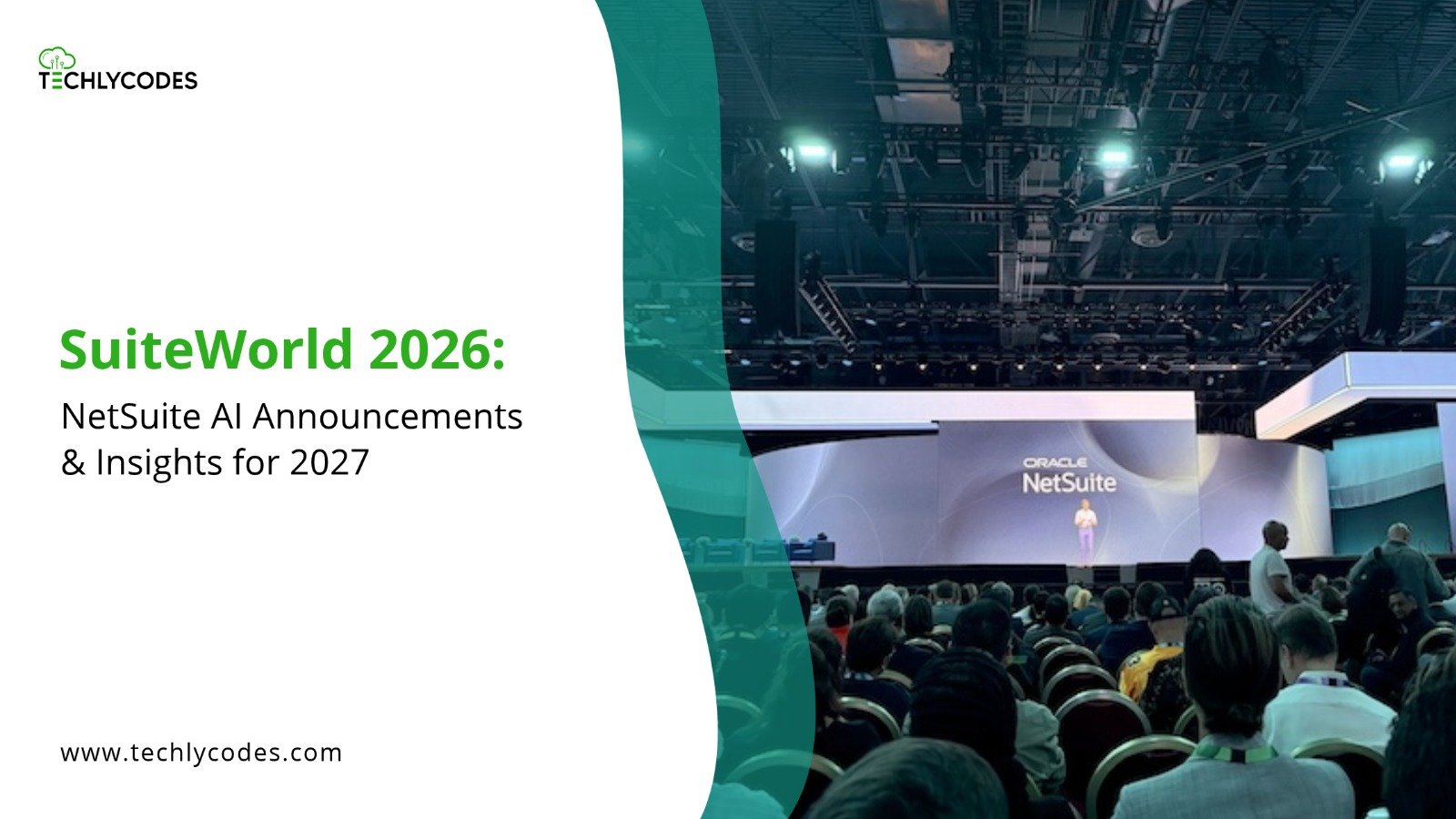
Oracle’s NetSuite Autonomous Suite reflects this shift. Announced at SuiteWorld 2026, it brings together capabilities such as Ask Oracle, SuiteSkills, AI Workspaces and SuiteAgents to connect business knowledge with data analysis and workflow execution.
But what does this development actually mean for existing NetSuite users? And how could these AI capabilities change everyday business operations? Let’s take a closer look.
Table of contents:
- What is NetSuite Autonomous Suite?
- How AI Is Changing Traditional ERP Systems
- Key Oracle NetSuite Autonomous Suite Features
- How Businesses Can Use AI Across Operations?
- Benefits of NetSuite AI Capabilities
- What to Consider Before Adopting AI in NetSuite
- Final thoughts
What is NetSuite Autonomous Suite?
NetSuite Autonomous Suite is Oracle’s more encompassing vision of taking AI right into its cloud ERP platform. The idea is to get organisations to go beyond the point of simply looking at reports and managing every single step of the process.
For instance a finance team looking at a sudden spike in their expenses might want to look at the transactions, compare the periods being reported and work out why there’s a difference. AI can help to pull the relevant information together, flag up the potential reasons and suggest what to look at next.
This doesn’t mean the ERP system is making all the business decisions on its own. People are still responsible for looking at the information, approving the key actions and managing the exceptions.
The aim is to reduce the amount of repetitive work and make the business information far easier to act on.
How AI Is Changing Traditional ERP Systems
Traditional ERPS are designed to collect, collate and process information across the organisation. Having the data in one place doesn’t necessarily make it easy to understand.
Employees may still need to:
- Search through a number of records to find the relevant information.
- Compare the reports to see the difference in performance.
- Investigate delays, billing problems and inventory issues.
- Follow up with various teams prior to completing a process.
AI adds another layer to these activities. You can pose questions in natural language, get summaries of the relevant business information and then use the supported AI capabilities to take you to the next step.
This is a major development for Oracle NetSuite ERP. The AI is not just about generating answers, it’s about connecting those answers to the workflows, the permissions and the business processes that already exist.
Key Oracle NetSuite Autonomous Suite Features
Oracle announced a number of capabilities as part of its Autonomous Suite vision in October 2026. Here are some of the key ones.
1. Ask Oracle
Ask Oracle is a conversational AI assistant which enables you to interact with NetSuite in plain English.
Rather than wading through a series of menus you can simply ask questions about the business information, request an analysis and get assistance with the tasks that are supported.
For instance a manager could be asking for a summary of all the overdue invoices or an explanation of the change in sales performance. The assistant can use the information that is available to it within the confines of the user’s permissions to provide the answer.
2. SuiteSkills
SuiteSkills are prebuilt business skills that combine NetSuite knowledge, business processes and AI reasoning.
Oracle has announced over 45 SuiteSkills to help users investigate issues and work with financial and operational information. Examples include identifying potential revenue leakage, reviewing inventory exceptions and investigating delays in the financial close.
The value is in applying business context to the AI’s response rather than just getting a general purpose answer.
3. AI Portlets and AI Workspaces
AI Portlets can generate dashboard analysis, charts and available actions in response to natural language requests. This enables users to explore business performance without having to build each view themselves.
AI Workspaces take a much wider approach. They bring people, AI agents, information and approvals together around a process.
For example Oracle’s Autonomous Close workspace is designed to help the finance team identify and resolve accounting issues throughout the period rather than just at month end.
4. SuiteAgents and SuiteAgent Studio
SuiteAgents are built to support specific business tasks and workflows. Oracle have announced industry specific agents for software, healthcare, construction, product businesses and not for profit organisations.
SuiteAgent Studio enables users to create and configure agents by specifying their instructions, tools, triggers and execution roles.
The SuiteAgent Management Workspace provides the controls to manage agent access, monitor activity and turn agents on and off.
5. SuiteFlow Agent and AI Connectors
The SuiteFlow Agent enables administrators and power users to create workflow configurations using natural language. The proposed configuration is presented for review and confirmation prior to being created.
Oracle have also announced expanded connector capabilities enabling supported AI applications to work with information and actions across NetSuite and connected systems.
Together these point to ERP workflows that are easier to configure and more integrated with the tools that businesses already use.
How Businesses Can Use AI Across Operations?
The practical value of AI is down to where it actually solves a real operational problem. Some examples include:
| Business function | Potential application |
| Finance | Investigating account variances and reviewing reconciliation exceptions |
| Inventory | Identifying stock discrepancies and potential fulfilment delays |
| Sales | Reviewing pipeline performance and identifying follow-up priorities |
| Customer service | Summarising support cases and preparing responses for review |
| Procurement | Reviewing purchasing information and identifying unusual activity |
| Project management | Highlighting cost deviations and potential delivery issues |
These are examples of how AI can be used to support different teams. The exact capabilities available will of course vary depending on the NetSuite features, agents and integrations that are enabled in the account.
Benefits of NetSuite AI Capabilities
The benefits of NetSuite are very much associated with having your financial and operational data in an integrated ERP system. AI builds on that in a number of ways.
- Less time spent searching about: natural language queries can make it far easier to find the relevant information.
- Faster analysis: AI generated summaries and insights to help you investigate the business changes.
- Better workflow efficiency: supported agents and automation can eliminate a lot of the repetitive work.
- Improved visibility: AI Portlets and Workspaces can help teams to focus on the exceptions and the priorities.
- More informed decisions: bringing the relevant business context together will help the user to assess the issue prior to acting.
These are potential operational improvements rather than guaranteed outcomes. The degree of impact will be dependent on the quality of the data, the design of the process and how effectively the capabilities are actually implemented.
What to Consider Before Adopting AI in NetSuite
Introducing AI doesn’t in itself fix the problems that are caused by inconsistent data or badly designed workflows. You need to look at a few areas before you go any further.
- Data quality: AI generated analysis is only as good as the data that it’s based upon. Check the accuracy of the records, check for duplicates and check the reporting structures.
- Access and permissions: Who can see what and what actions can be performed. NetSuite’s Agent Management framework uses permissions, human confirmation on certain actions and activity is traceable.
- Workflow readiness: Find the processes that are the ones that are repetitive, well defined and amenable to automation. Don’t go and automate a process that’s going to need improving anyway.
- User review: AI generated responses can contain errors and omissions. Employees should always check any important output, particularly where financial records or operational decisions are at stake.
- Feature availability: NetSuite Next and the associated AI capabilities are being rolled out in phases. Not every feature will be available to every account or region at the same time. You’ll need to check with your NetSuite administrator to confirm your eligibility and the status of the release.
Final Thoughts
The future of ERP isn’t simply about storing more of the business’s information. It’s about making that information easier to understand and use.
NetSuite Autonomous Suite represents a move in that direction, with AI capabilities designed to support analysis, workflows and everyday decisions. However, successful adoption will depend on more than enabling new features. Businesses need reliable data, well-defined processes and the right controls around automated actions.
Frequently Ask Question
1.What is the difference between NetSuite and NetSuite Autonomous Suite?
NetSuite is an integrated cloud ERP platform, while NetSuite Autonomous Suite represents Oracle’s vision of bringing AI, business knowledge and workflow execution together within the platform.
2. Can NetSuite AI automate business workflows?
Yes. Supported capabilities such as SuiteAgents and SuiteFlow Agent can assist with workflow creation and execution. The actions available depend on configuration, permissions and the features enabled in the account.
3. What are SuiteSkills in Oracle NetSuite?
SuiteSkills are prebuilt AI-powered business skills that combine NetSuite process knowledge, business information and AI reasoning to help users investigate issues and complete supported tasks.
4. Does NetSuite Autonomous Suite require a separate ERP implementation?
NetSuite Autonomous Suite builds on the existing NetSuite platform. However, access to individual capabilities depends on the applicable NetSuite release, rollout and account eligibility. Businesses should confirm their requirements with their NetSuite administrator.
5. What are the main NetSuite ERP Features powered by AI?
Key developments include Ask Oracle, SuiteSkills, AI Portlets, AI Workspaces, SuiteAgents, SuiteAgent Studio and the SuiteFlow Agent. Availability varies by account and release.
6. How does AI improve Oracle NetSuite ERP?
AI can help users find information, analyse business data, investigate exceptions and complete supported workflow tasks. This can reduce manual effort and make relevant information easier to act on.
7. Does NetSuite Autonomous Suite replace employees?
No. AI supports employees by handling or assisting with selected tasks. People remain responsible for reviewing outputs, approving important actions and making business decisions.
Leave a Reply